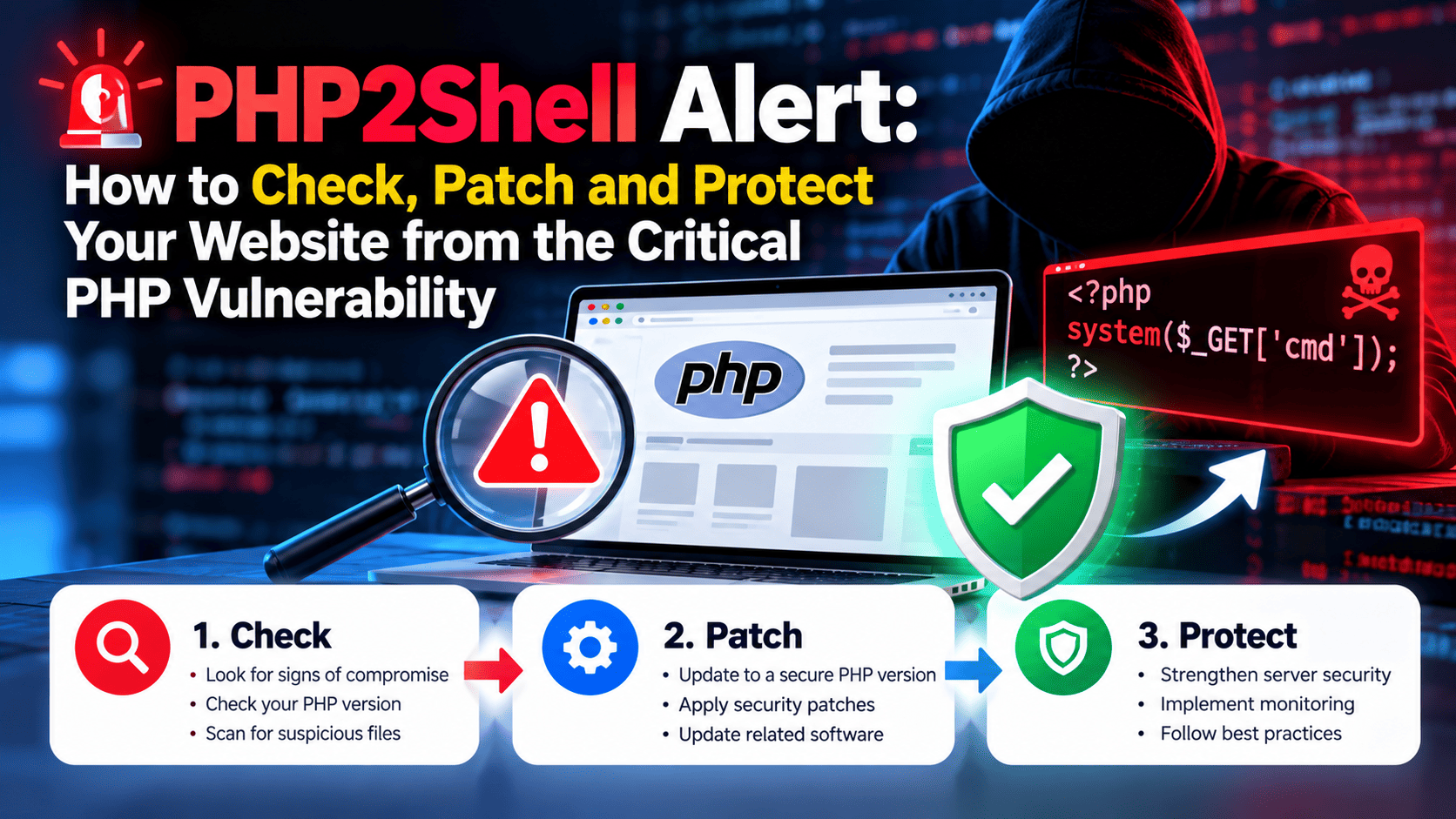
PHP2Shell Alert: How to Check, Patch and Protect Your Website from the Critical PHP Vulnerability
A PHP vulnerability is putting millions of websites at risk
If your website runs on PHP, this week's security news is about you. A critical PHP vulnerability, nicknamed PHP2Shell, was disclosed on 20 October 2026, and cybersecurity firms are reporting millions of attempts to exploit it. Cloudflare's CEO described attempts rising from thousands to millions within a day of the announcement.
PHP powers roughly 70% of the web, including WordPress, Magento, Laravel and thousands of custom business sites. Governments in Europe took pages offline as a precaution, and agencies such as the US NSA urged organisations to patch immediately.
In this guide, Eagle Mount Technologies explains what PHP2Shell is, how to check your PHP version in minutes, and what to do to secure your website.
What is the PHP2Shell vulnerability?
PHP2Shell is a pair of flaws tracked as CVE-2026-109618 and CVE-2026-109619. Both allow remote code execution (RCE), which means an attacker can run their own commands on your web server without logging in.
According to public reporting, the flaws affect PHP versions 5.4 through 8.5, so almost every PHP site is in scope. Researchers at Calif, OpenAI and Wiz found the bugs, which involve how PHP handles memory. Wiz says AI models helped turn a decades-old weakness into a working exploit, which is why security experts see this as a turning point.
The risk is practical. A compromised server can leak customer data and passwords, host malware, or be used to launch attacks on other sites. Attackers can also quietly use your server's power for crypto mining, and you may never notice.
Timing matters too. Amazon's threat team reported exploit attempts days before the public announcement, so some attackers were already probing sites.
Which websites are at risk?
Any website running on a vulnerable PHP version should treat itself as exposed until it is patched. That includes:
- WordPress and WooCommerce sites, because WordPress runs on PHP
- Custom PHP websites and web portals built with frameworks such as Laravel or CodeIgniter
- E-commerce stores on Magento, PrestaShop or OpenCart
- Classifieds, booking and directory platforms with user logins and databases
- Older sites on shared hosting that have not seen an update in years
Small businesses, schools and charities face the highest risk because they often have no in-house security team. A site you built years ago and forgot about is a prime target, since attackers scan the internet automatically for exactly these gaps.
How to check your PHP version
You can find your PHP version in under five minutes. Use whichever method matches your setup:
- Hosting control panel: In cPanel, open MultiPHP Manager or Select PHP Version. Plesk and other panels show the same setting under PHP settings.
- WordPress dashboard: Go to Tools > Site Health > Info > Server and read the PHP version line.
- SSH access: Run
php -vin the terminal to see the version your server uses. - Ask your developer or host: If you are unsure, ask them to confirm the exact PHP version and whether the PHP2Shell patch is applied.
Avoid uploading a public phpinfo() file to check. If you must use one, delete it immediately afterwards, because it exposes server details to attackers.
Once you have the number, check it against the fixed releases: PHP 8.2.35, 8.3.36, 8.4.27 or 8.5.12 (or newer). Anything older needs a vendor backport or an upgrade. Confirm the details in the official PHP security advisory on php.net.
How to patch and protect your website
Updating PHP is the single most important step. Work through this checklist in order:
- Back up first. Save a full copy of your files and database before changing anything.
- Update PHP to a patched release. Use your hosting panel or ask your provider to move you to the fixed version. Emergency patches were released on 21 October 2026. The fixed releases are PHP 8.2.35, 8.3.36, 8.4.27 and 8.5.12; older branches may need a vendor backport or an upgrade plan.
- Update your CMS, themes and plugins. Outdated plugins can break after a PHP upgrade or add their own holes.
- Test on a staging copy. Confirm forms, checkout, logins and admin pages still work.
- Turn on a web application firewall (WAF). Services like Cloudflare can filter exploit traffic while you patch.
- Rotate passwords and keys. Change admin, database, FTP and API credentials, especially if you see anything odd.
- Scan for signs of compromise. Look for unknown files, new admin users and unusual traffic or server load in your logs.
- Keep monitoring. Enable automatic security updates and uptime alerts so the next issue does not catch you off guard.
Patching is not the finish line. Because PHP sits under plugins, frameworks and hosting layers, your site is only safe when every layer has been updated.
What if your PHP version is too old to patch?
This is the hardest case. The UK's National Cyber Security Centre warned that the patch will not work on some older systems, and those must be replaced rather than fixed. If your site runs on an end-of-life PHP version, a quick update may not be possible, because upstream fixes exist only for PHP 8.2 to 8.5.
In that situation you usually need a planned upgrade: moving the code to a supported PHP version, replacing incompatible plugins or libraries, and testing everything before going live. Older custom applications may need developer time to fix deprecated code. Until the upgrade is done, a firewall and restricted access to admin areas reduce your exposure, though they are not a permanent solution.
How Eagle Mount Technologies can help
You do not have to handle this alone. Eagle Mount Technologies is a website design and development company that can help you secure your PHP website quickly:
- Website security audit: we check your PHP version, CMS, plugins and server for known risks
- PHP upgrade and migration: we move your site to a supported, patched PHP version with testing
- Website maintenance services: we handle regular updates, backups and monitoring
- Clean-up and hardening: we review your site for suspicious files and tighten its security
If you are not sure which PHP version your site uses, send us your website address and we will help you find out. Contact Eagle Mount Technologies today for a PHP security check.
Conclusion
PHP2Shell is one of the most serious web security events in years, and the attempts to exploit it are ongoing. The fix is simple in principle: find your PHP version, update it, and check your site for damage. Do it now, before attackers find your site first.
Sources: Reuters via HuffPost · CNN · ABC News · Wikipedia: PHP2Shell · The Guardian